Matches the EPG (XMLTV)
The guide is XMLTV: a URL you add for M3U, the provider's own guide for Xtream, SiliconDust's guide for HDHomeRun.

Lumastra is a self-hosted IPTV server for watching Live TV in its web app, the Apple apps and Jellyfin apps. Import an M3U playlist, Xtream Codes account or HDHomeRun tuner, match channels to an XMLTV EPG, and keep backup feeds. For watching, not recording.
Use sources you're licensed to receive: your own tuner, broadcaster streams, or feeds an authorised provider licenses for third-party players.
Lumastra reads the source itself: no separate Threadfin or xTeVe, because Lumastra includes its own stream proxy. For M3U and Xtream playlists, Plex needs such a proxy in front; Jellyfin takes M3U and HDHomeRun directly but has no backup feeds.
The guide is XMLTV: a URL you add for M3U, the provider's own guide for Xtream, SiliconDust's guide for HDHomeRun.
If a feed fails, the proxy moves to the next one.
All viewers of a channel share it. It's a transport counter; it doesn't change what your provider allows.
Large type and numbered channels for older viewers.
HDHomeRun support is implemented but has not been tested on real tuners.
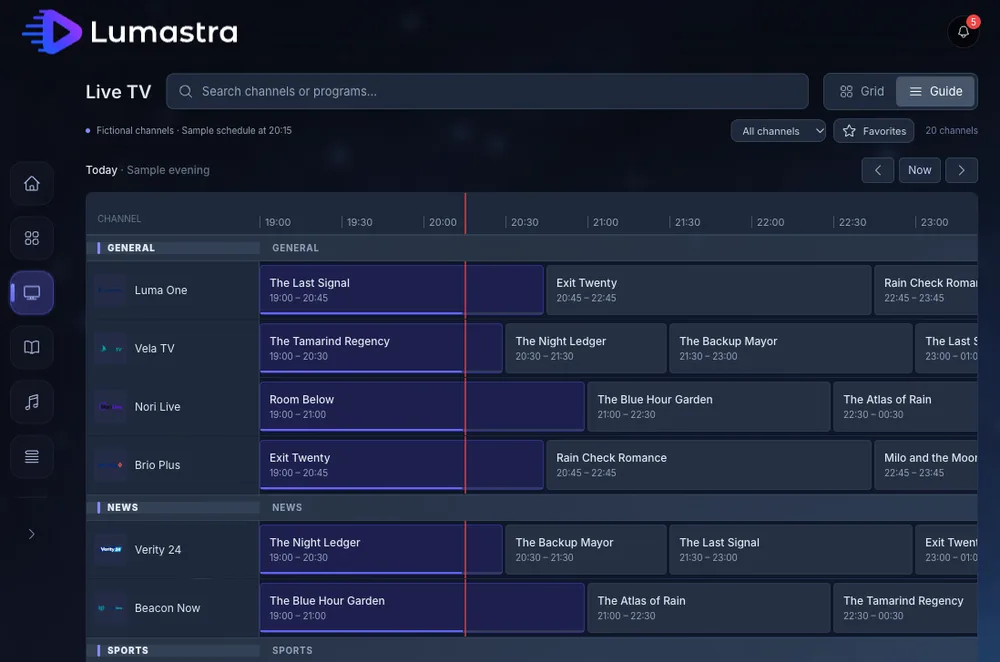
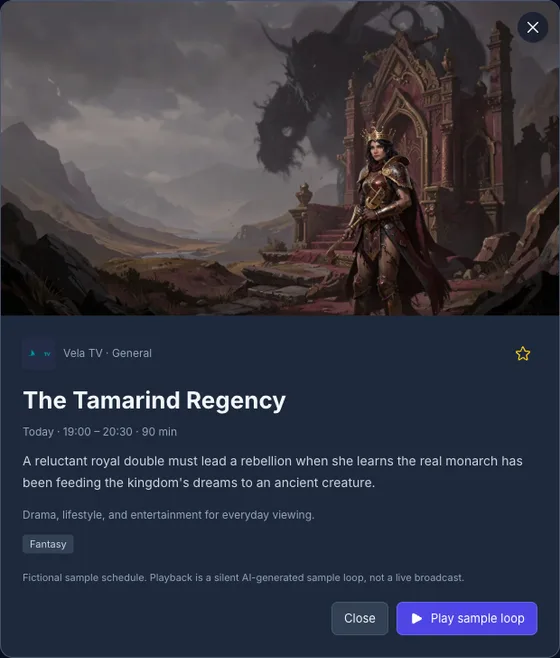
Threadfin and xTeVe sit between your playlist and a media server such as Plex or Jellyfin, and have no player of their own. Lumastra does both jobs: it reads the source, maps the guide and plays the channels in its own apps and in Jellyfin apps.
Turn it on with FEATURE_LIVETV, run the stream proxy (STREAM_PROXY_URL, STREAM_PROXY_SECRET), and add viewers to the Live TV group. LAN sources like HDHomeRun need LIVETV_ALLOW_PRIVATE_URLS=true. Live TV guide