
All features
Films, series, music, audiobooks and Live TV, with one login and one set of apps.
Movies & series
Movies and series guide| Feature | What it does |
|---|---|
| Recommendations | For You shelves, mood picks and similar titles, including titles beyond your library. |
| Search | One search box for movies, series, episodes ("Quiet Orbit S01E02"), people, music, audiobooks and Live TV channels, with suggestions as you type. Typos, accents and word order don't matter, and original, English and translated titles all match. |
| Your language | Titles, descriptions and taglines in each user's own language, from the languages the admin turns on. Titles can follow a different language than descriptions. The interface is in English and German. |
| Semantic search | Search by what a film is about. Needs your own AI provider key. |
Release calendarScreenshot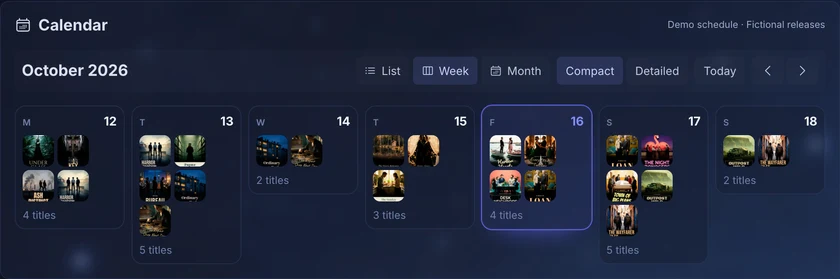 | Upcoming episodes and releases for what is in your library. |
| Episode matching | Multi-episode files, and DVD or absolute ordering as laid out on disk. |
| Other library types | Home videos, training and educational content. |
| AI assistant | Ask for something to watch in plain language. Uses your own AI provider key. |
All built in: your music server, audio analysis, smart queue and DJ crossfades, in the same server as your films. No separate Subsonic server or extra tools needed.
| Feature | What it does |
|---|---|
| Audio analysis | Tempo, key, energy and mood for every track, built into the x86-64 image. |
| Sounds like | Similar tracks by sound, through an optional local sidecar. |
| Smart queue | Keeps playing tracks that fit, in an order that flows. |
| DJ crossfades | Beat-aligned transitions that use each track’s tempo and energy. |
| Automatic mixes | Mixes and collections per genre and by sound, built on their own. |
| Song Paths and Music Map | A smooth path between two songs, and a map of your library by sound. |
| Search by sound or lyrics | Find "calm solo piano" (with the sound sidecar), or a song by what its lyrics mean. |
| Careful tag reading | Albums, discs and compilations in the right order. |
| OpenSubsonic | Use your favourite Subsonic or OpenSubsonic music app. |
Playback
Playback guide| Feature | What it does |
|---|---|
| Per-device decisions | Direct play, remux or transcode, chosen for each device’s codecs, HDR and subtitles. |
| Hardware transcoding | Intel, NVIDIA and AMD. Intel is the most tested; software transcoding is the fallback. |
Subtitles without burn-inScreenshot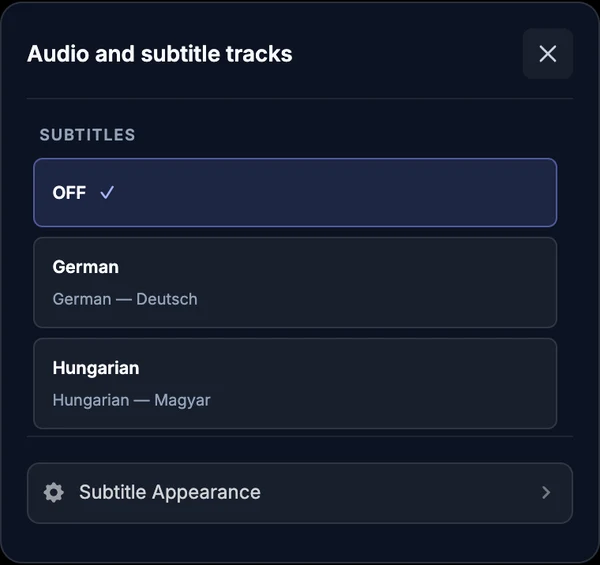 | Styled ASS/SSA and PGS/VobSub drawn over the video, preserving HDR. |
| Seeking and chapters | Trickplay thumbnails, chapters, and skip intro or credits. |
| Feature | What it does |
|---|---|
| iPhone and iPad | Native app with offline downloads, in public TestFlight. |
| Apple TV | Native app with music, audiobooks, Watch Together and Top Shelf, in public TestFlight. |
| Web app | Installable on desktop and mobile. |
| Subsonic music apps | Connect directly over the (Open)Subsonic API. |
| Jellyfin-compatible apps | Apps such as Streamyfin connect directly, with no Jellyfin server. |
Audiobooks & books
Audiobooks guideAudiobooks come from your Audiobookshelf server and play in the Lumastra apps, so films, music and audiobooks are in one app.
| Feature | What it does |
|---|---|
| Audiobooks | Browse and listen in the web app and the iPhone, iPad and Apple TV apps; progress syncs to Audiobookshelf. |
| Books | Search your Kavita books and open them in Kavita. |
Watch channels from your home tuner, official feeds offered for external players, or your own live programming. Channel grouping, backup feeds and numbering are built in.
| Feature | What it does |
|---|---|
SourcesScreenshot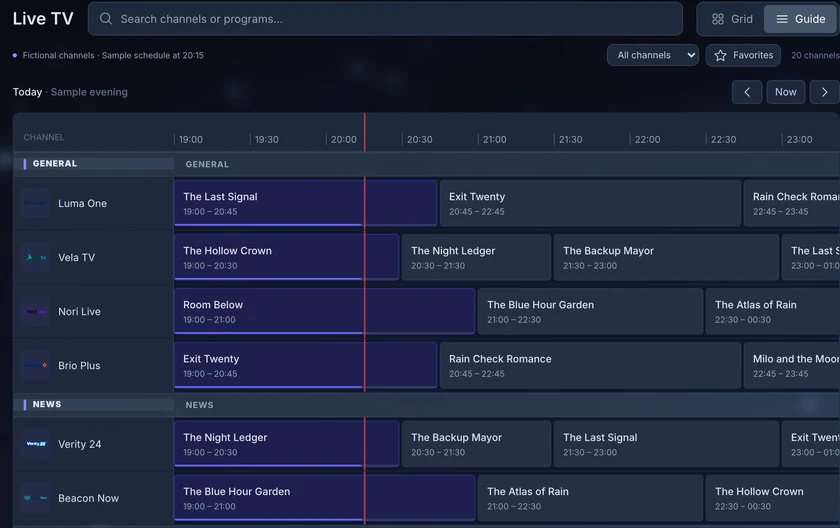 | Connect your own compatible tuner or broadcaster/provider-approved feeds through HDHomeRun, M3U or Xtream, with a programme guide. |
| Grouping and backup feeds | The same channel from different feeds is grouped, with priorities and automatic failover. |
| Numbering | Channels numbered and ordered by category without manual sorting. |
Adaptive bitrateScreenshot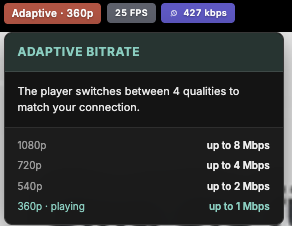 | Optional, needs a GPU: the server encodes a channel from 1080p down to 360p, and the player switches quality to match each viewer's connection. |
| Feature | What it does |
|---|---|
| Watch Together | Synchronized sessions between browsers and the Apple TV app. |
| Ratings and reviews | Shared ratings, reviews and watch activity, with privacy controls per user. |
| Trakt and MyAnimeList | Each user links their own accounts; history and progress sync. |
| Jellyfin progress sync | Optional, for running alongside an existing Jellyfin server. |
Sign-in & security
Authentication guide Single sign-on in every appSingle sign-on also works on the TV: apps sign in through your own login page.
| Feature | What it does |
|---|---|
| Single sign-on | Native in every client: OIDC and forward auth in the web app, the iPhone, iPad and Apple TV apps, and the API. Not a plugin. |
| Built-in accounts | Username and password, on their own or alongside single sign-on. |
| Device sign-in | Apps show a code you approve through your server’s login. No TV passwords. |
| Age limits | Age ratings and library access per user. |
API & operations
Deployment guide Lumastra on Kubernetes| Feature | What it does |
|---|---|
| Documented API | Versioned /api/v1 with an OpenAPI spec and scoped tokens. |
| Plugins | Sources, metadata, subtitles, lyrics, tasks, watch sync and sign-in, with an SDK. |
Admin and healthScreenshot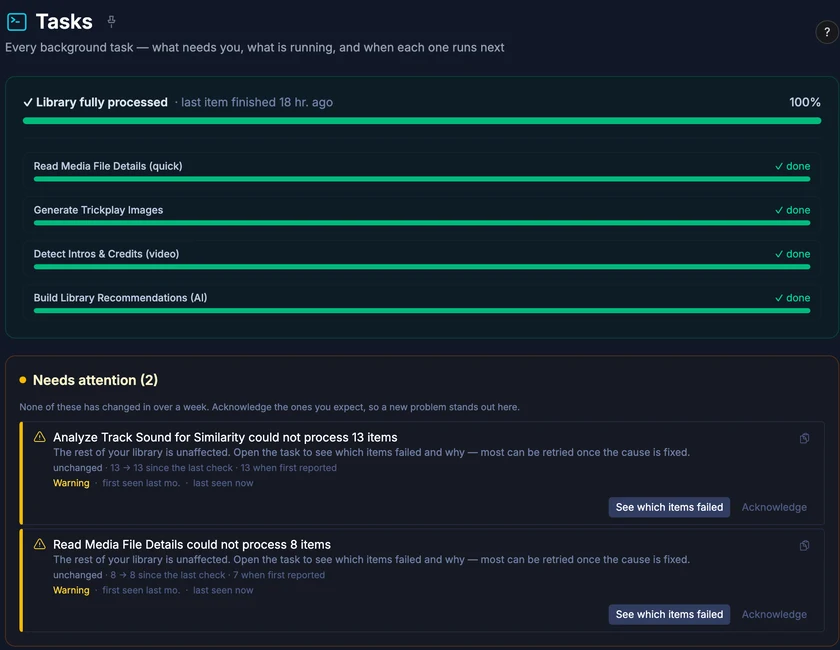 | Task system, health monitoring, and diagnostics sent from the apps. |
| Deployment | Kubernetes with a Helm chart, or Docker Compose. |
Recommendations, semantic search and lyrics search need your own AI provider key. Sound similarity uses an optional local sidecar; tempo, key and energy analysis is built into the x86-64 image. Feature reference with links to each guide
How it fits together
For viewers, movies, series, music, audiobooks and Live TV are all in one Lumastra interface. The server owner sets up the sources; everyone else just opens Lumastra to watch or listen.
Movies, series, music, audiobooks and Live TV, together.
- Web browser
- iPhone, iPad & Apple TV
Viewers don’t need to open Audiobookshelf or configure the Live TV proxy.
Apps and clients
Use the web player, the Lumastra apps for Apple TV, iPhone and iPad, or the Jellyfin and Subsonic apps you already have.
How the parts fit togetherApps for Apple TV, iPhone and iPad
The iPhone and iPad app can download movies, episodes and music for offline use, and can keep a selection of your music downloaded automatically.
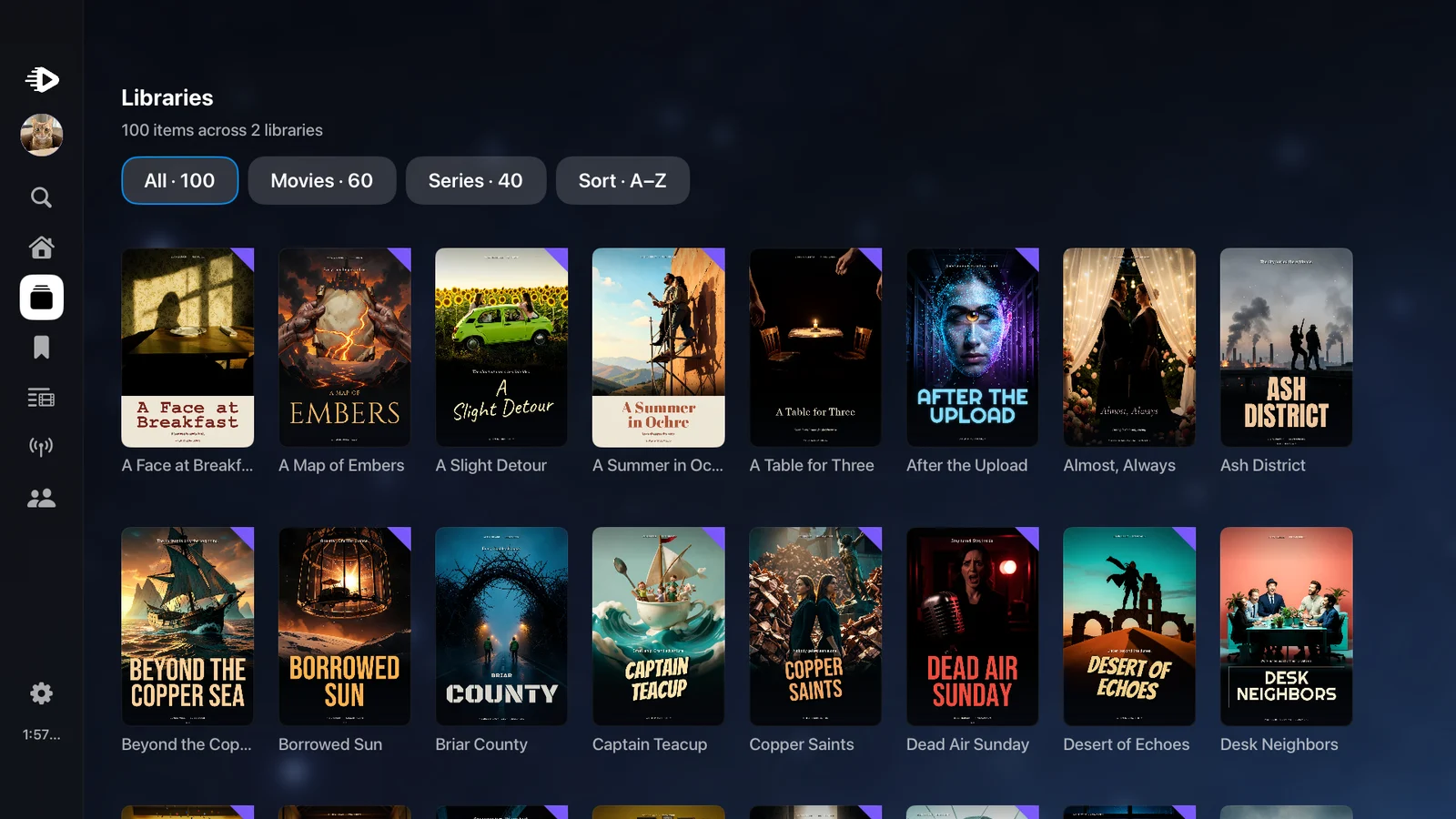
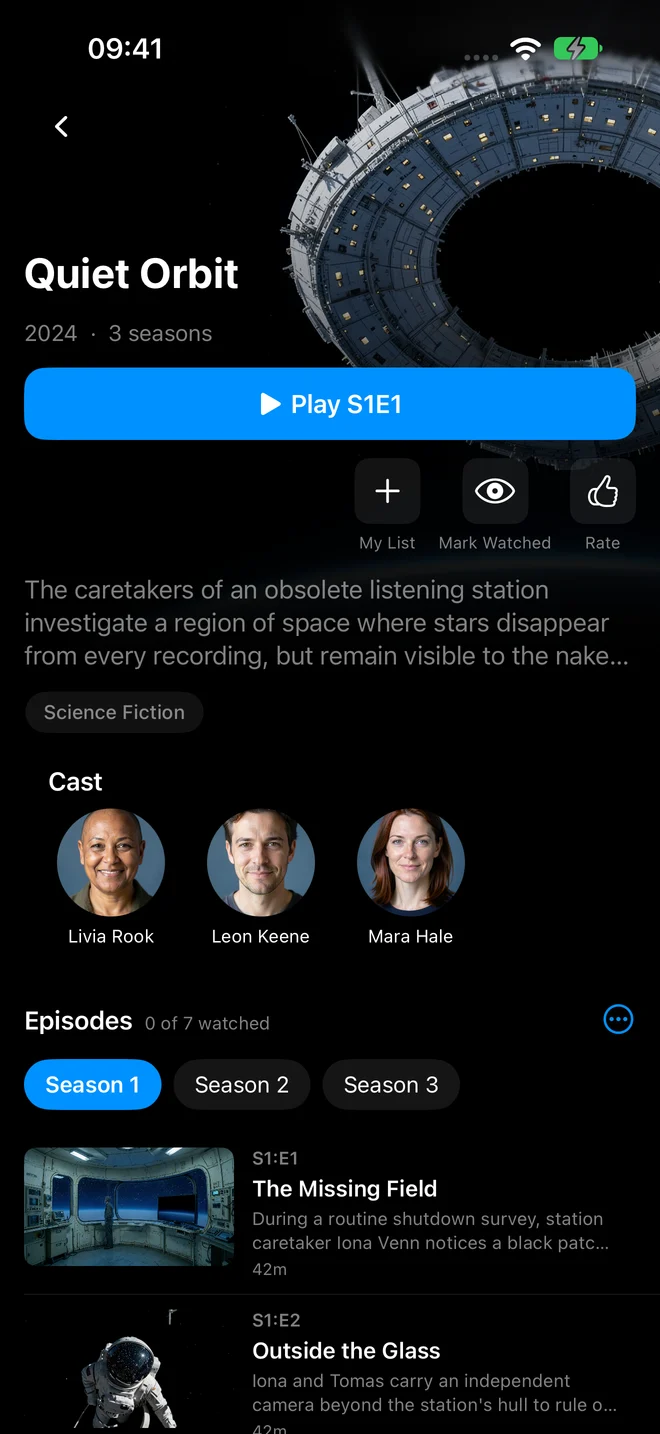
See iPad and offline downloads
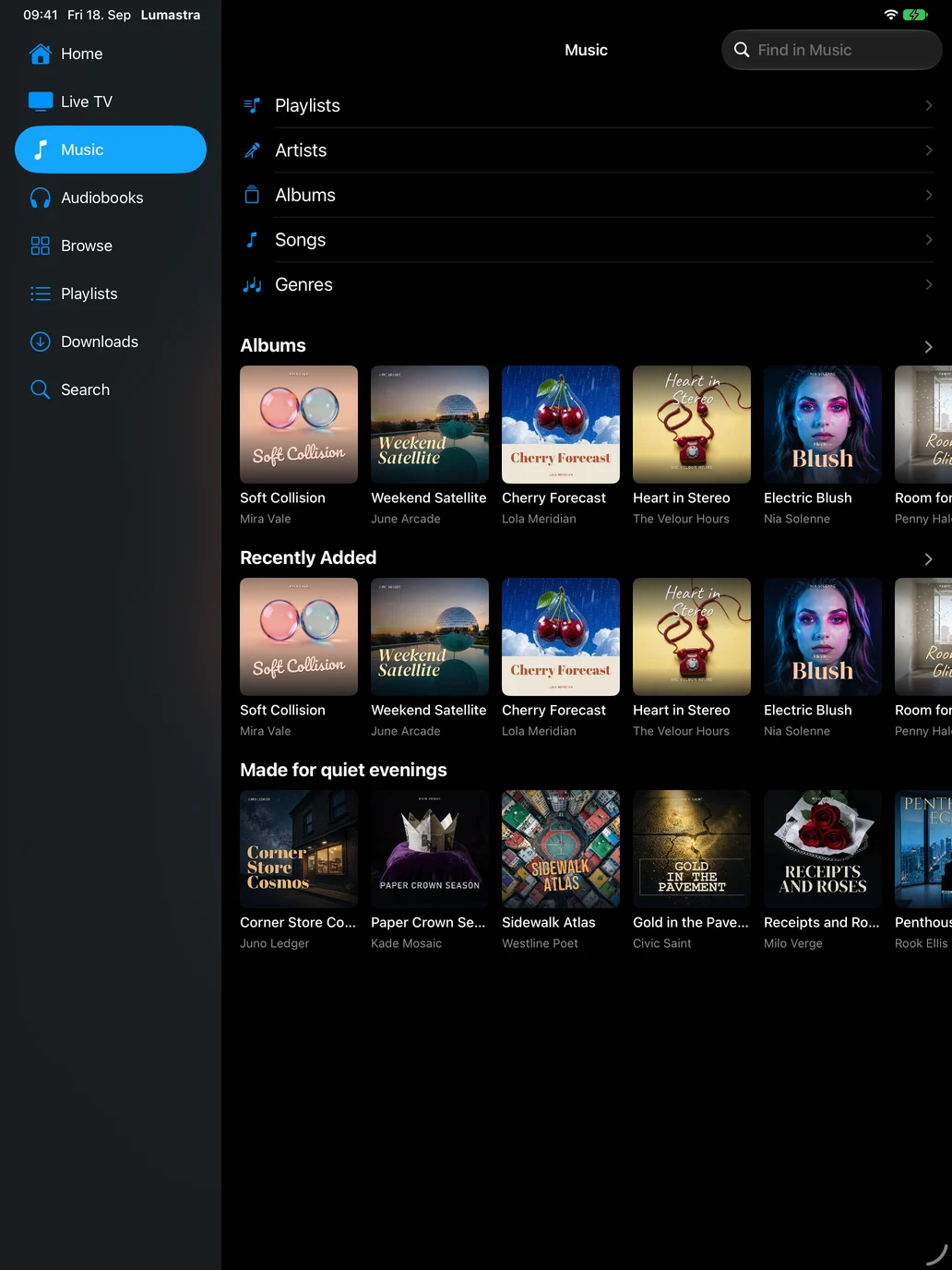
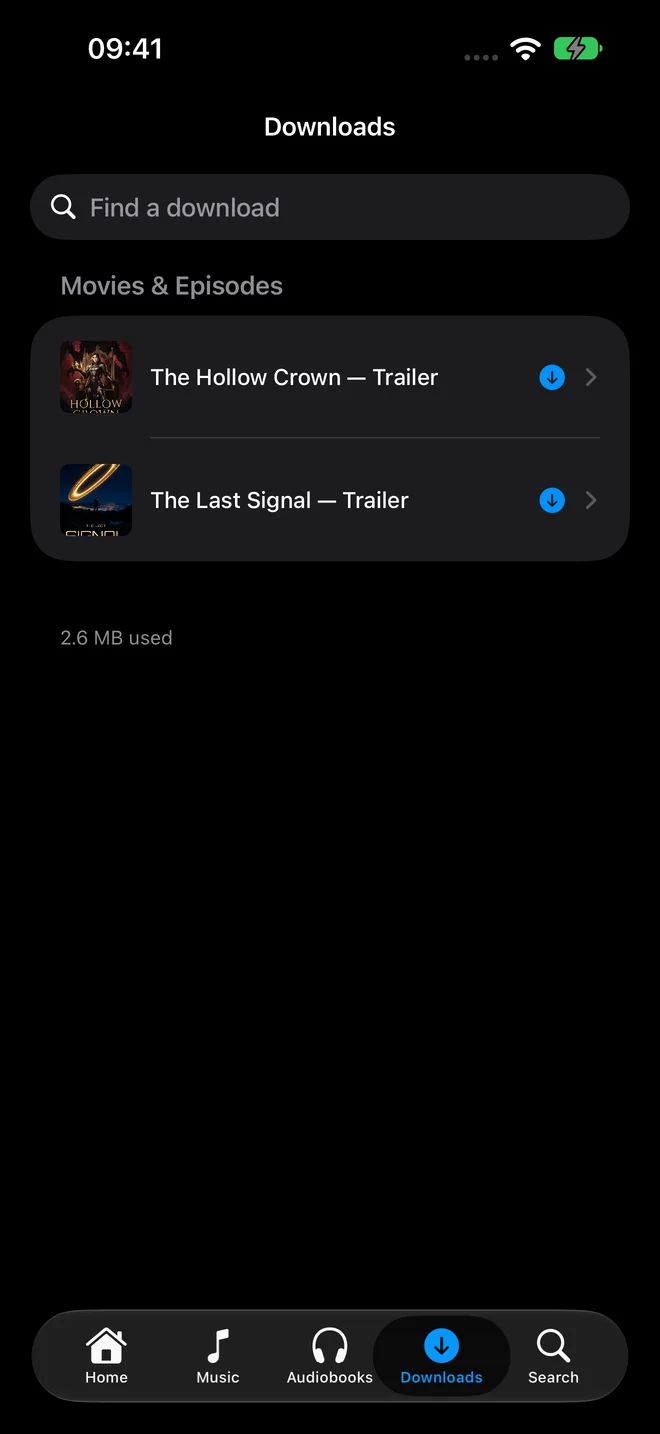
Real native app screenshots with a fictional library. Connect to your own Lumastra server; media is not included. The apps need your server on HTTPS with a certificate the device trusts.